
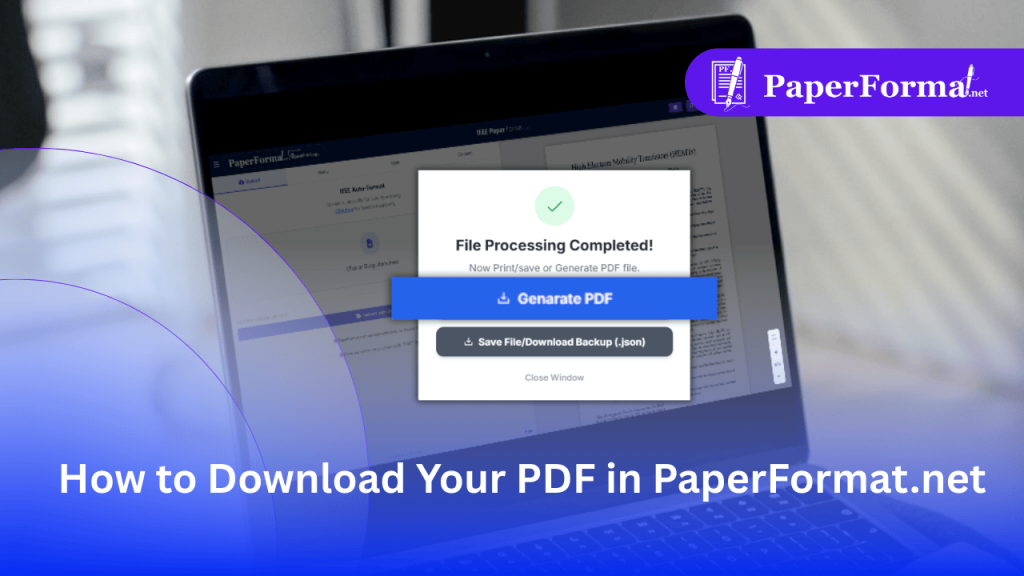
How to Download Your PDF in PaperFormat.net
The Final Step: Generating a Print-Ready PDF In IEEE paper formatting and Springer LNCS workflows, the final PDF must meet strict technical standards: PaperFormat.net handles all of this automatically. When you click “Generate PDF,” our engine compiles your workspace into a compliant file ready for upload to IEEE Xplore or SpringerLink. Step-by-Step: Downloading Your File […]
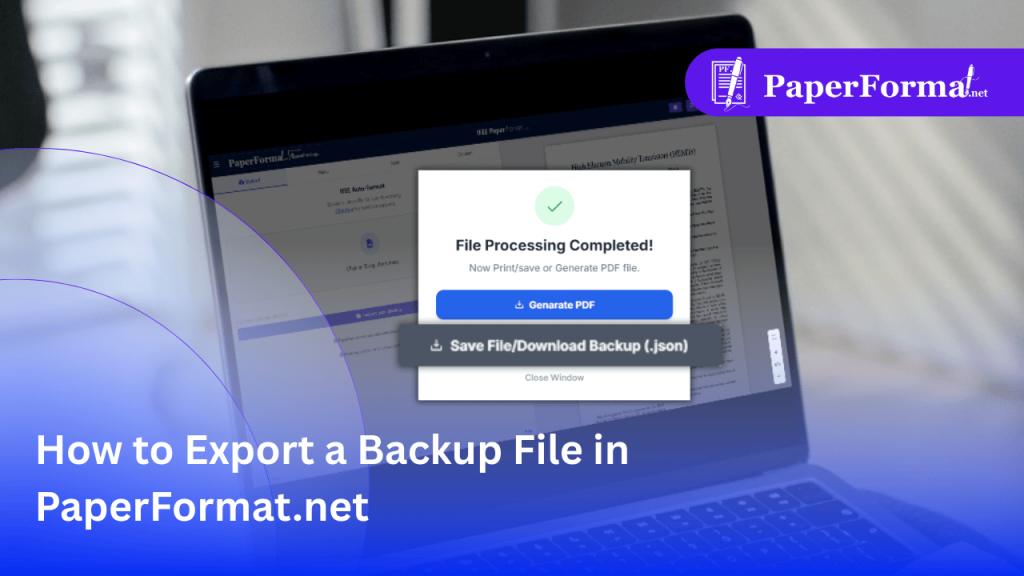
How to Export a Backup File in PaperFormat.net
PDF vs. Backup File: What You Need to Know In IEEE paper formatting and Springer LNCS workflows, there is a critical difference between your output files: PaperFormat.net allows you to export this “Save State” at any time. We highly recommend doing this after every major editing session. Step-by-Step: Exporting Your Backup Step 1: Finish Your […]
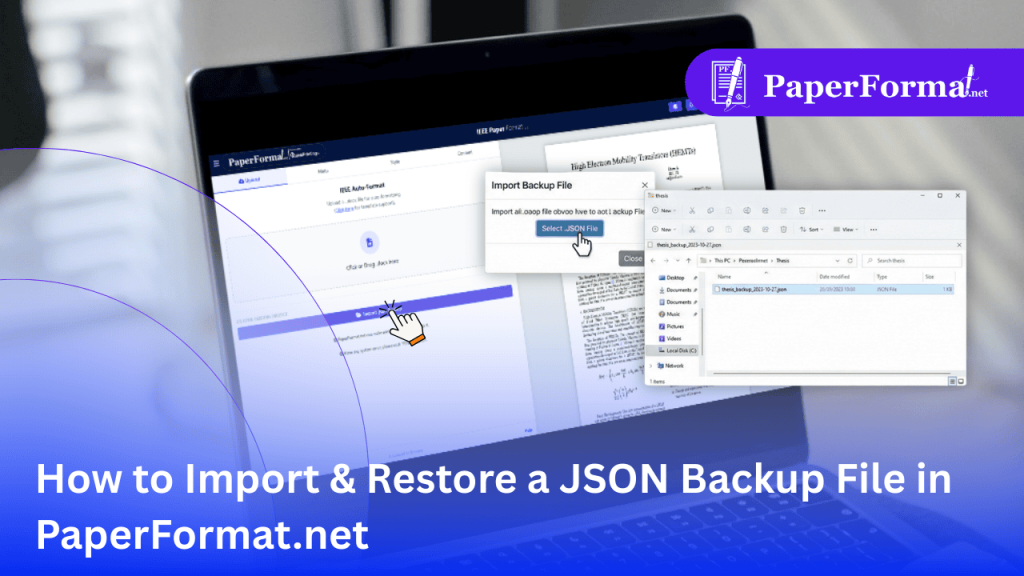
How to Import & Restore a JSON Backup File in PaperFormat.net
The Difference Between DOCX and JSON In Springer paper formatting and IEEE workflows, it is crucial to understand your file types: Step-by-Step: Restoring Your Project Refer to the screenshot above and follow these steps to resume your work instantly. Step 1: Access the Upload Tab Step 2: Locate the Import Button Step 3: Select Your […]
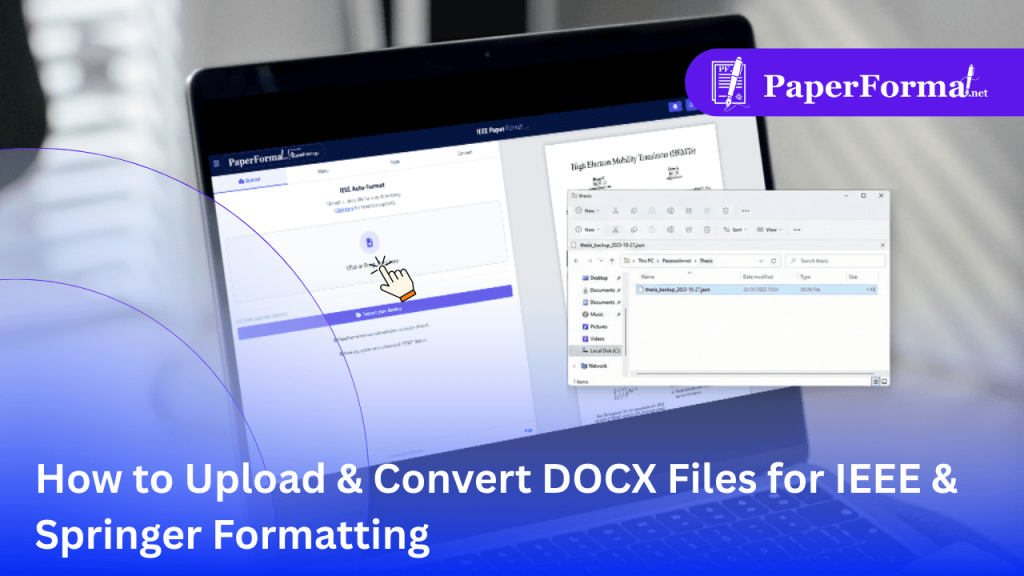
How to Upload & Convert DOCX Files for IEEE & Springer Formatting
Stop Copy-Pasting: Import Your Entire Document In Springer paper formatting and IEEE formatting, manually copying text, images, and captions from Word into a new template is tedious and prone to errors. PaperFormat.net features an intelligent DOCX Importer. You can upload your existing research paper, and our engine will analyze the structure—identifying headings, images, and paragraphs—and […]
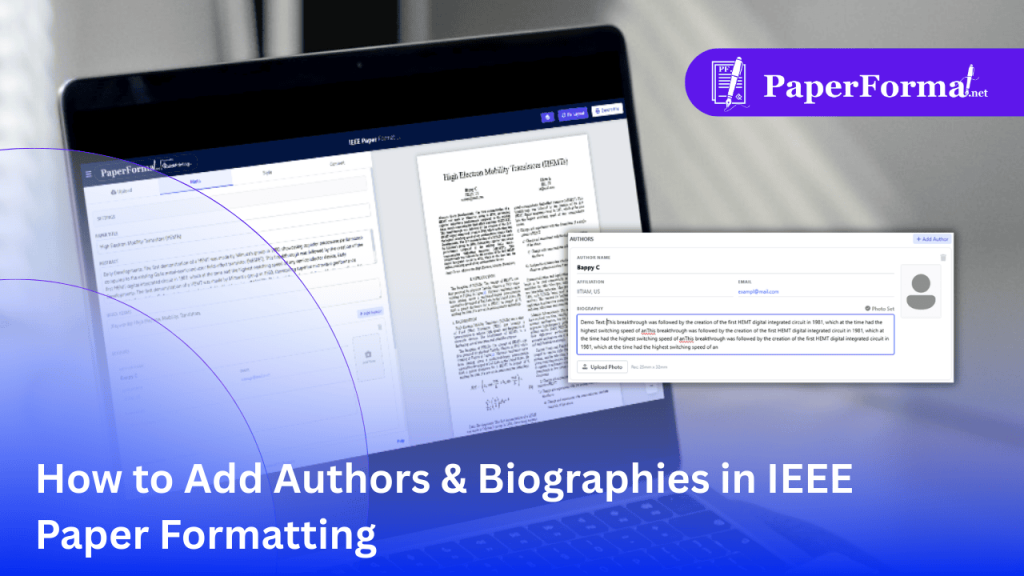
How to Add Authors & Biographies in IEEE Paper Formatting
The Dual Role of Authors in IEEE Papers In IEEE paper formatting, authors appear in two distinct places: PaperFormat.net manages this split automatically. You enter the data once in the Meta tab, and the system intelligently places the name at the top and the full biography at the bottom. Step-by-Step: Managing Author Details Step 1: […]