by PaperFormat | Feb 15, 2026 | ieee, springer
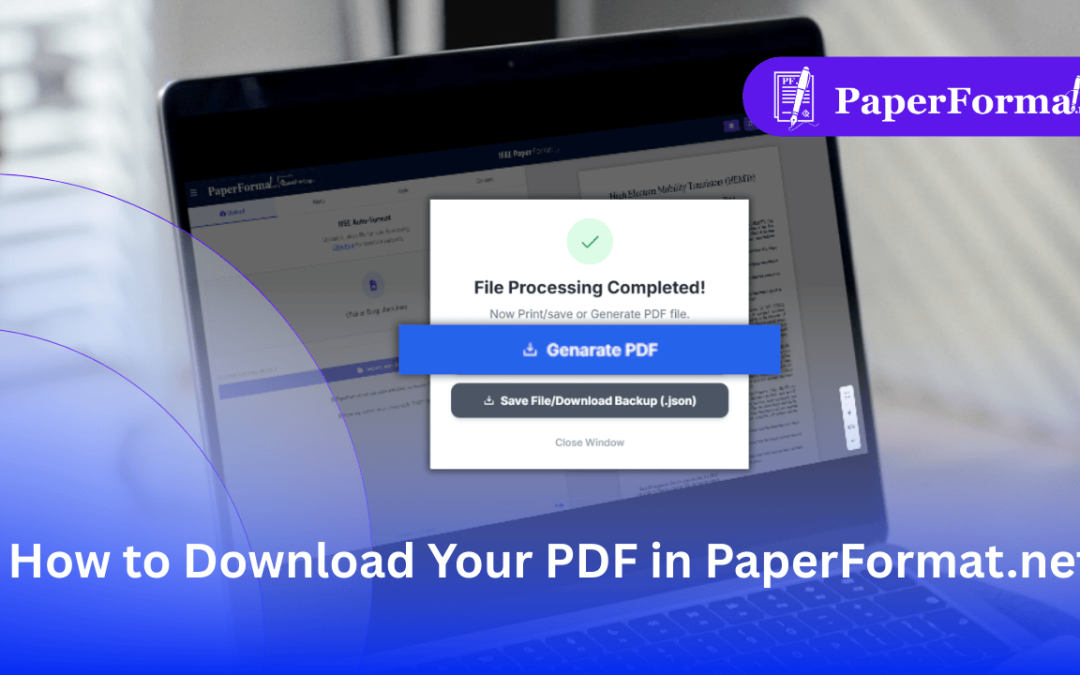
The Final Step: Generating a Print-Ready PDF In IEEE paper formatting and Springer LNCS workflows, the final PDF must meet strict technical standards: Embedded Fonts: All fonts must be embedded so the document looks the same on every computer. Vector Graphics:...
by PaperFormat | Feb 15, 2026 | ieee, springer
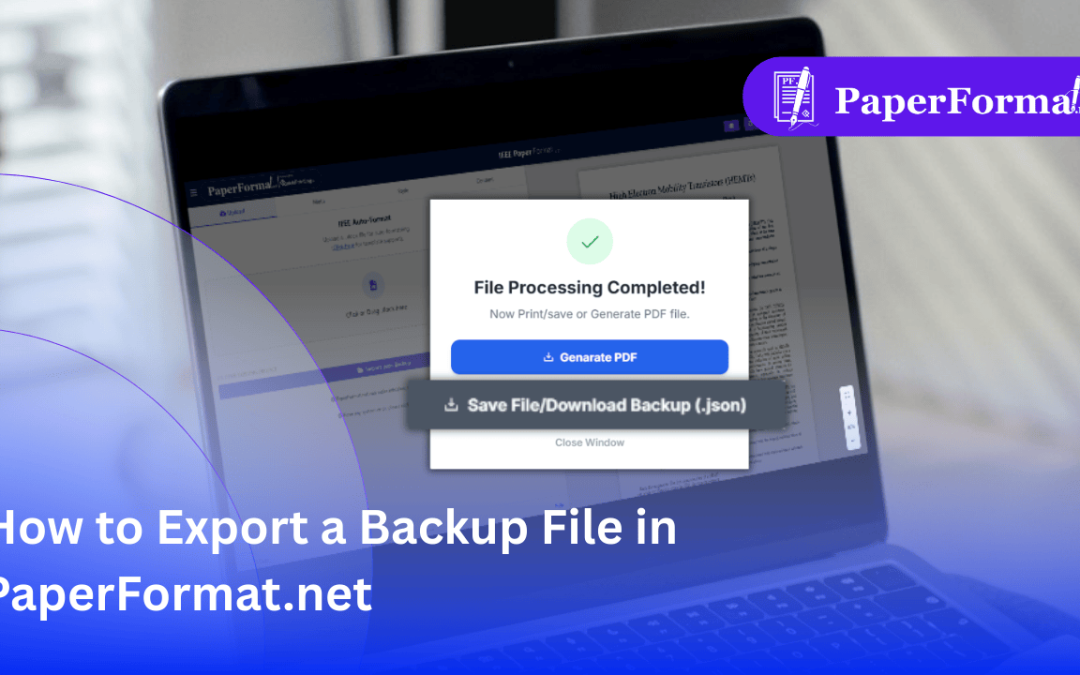
PDF vs. Backup File: What You Need to Know In IEEE paper formatting and Springer LNCS workflows, there is a critical difference between your output files: The PDF: This is a “flat” file for printing. You cannot easily edit text or move images in a PDF once...
by PaperFormat | Feb 15, 2026 | ieee, springer
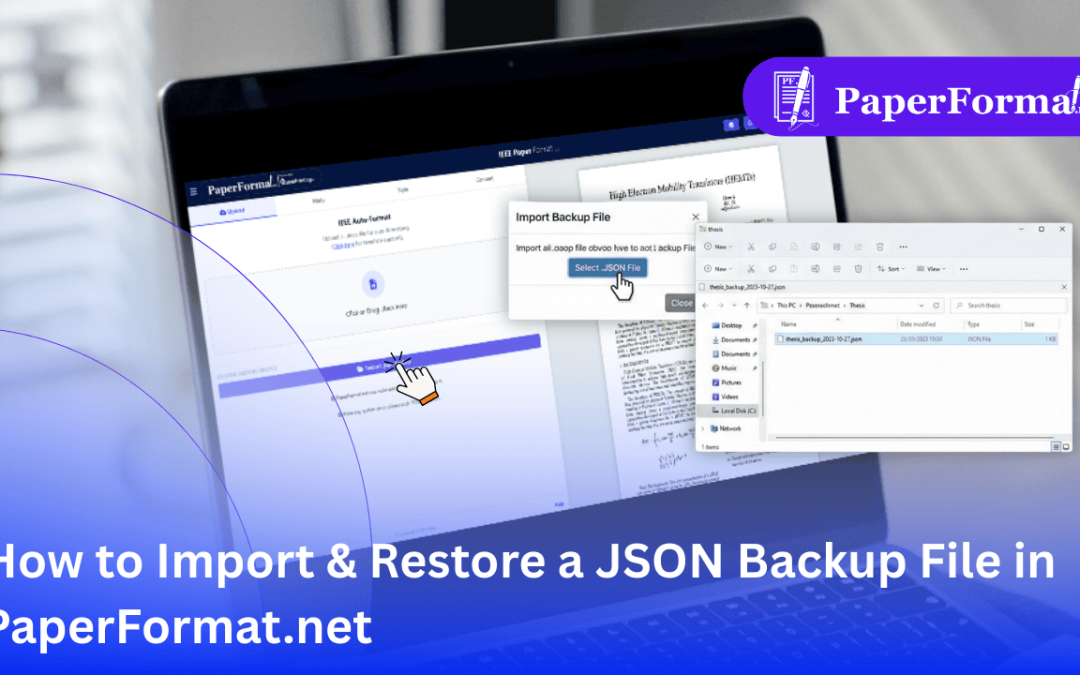
The Difference Between DOCX and JSON In Springer paper formatting and IEEE workflows, it is crucial to understand your file types: DOCX (Word): This is for starting fresh. The system reads the text and attempts to format it. JSON (Backup): This is a perfect snapshot....
by PaperFormat | Feb 15, 2026 | ieee, springer
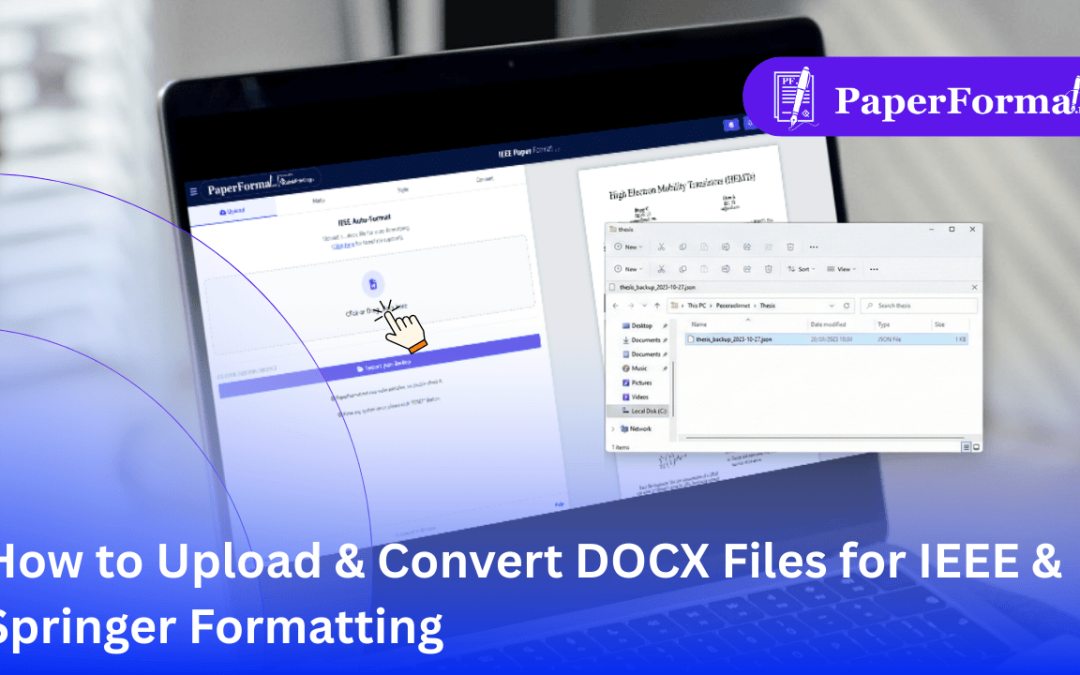
Stop Copy-Pasting: Import Your Entire Document In Springer paper formatting and IEEE formatting, manually copying text, images, and captions from Word into a new template is tedious and prone to errors. PaperFormat.net features an intelligent DOCX Importer. You can...
by PaperFormat | Feb 15, 2026 | springer
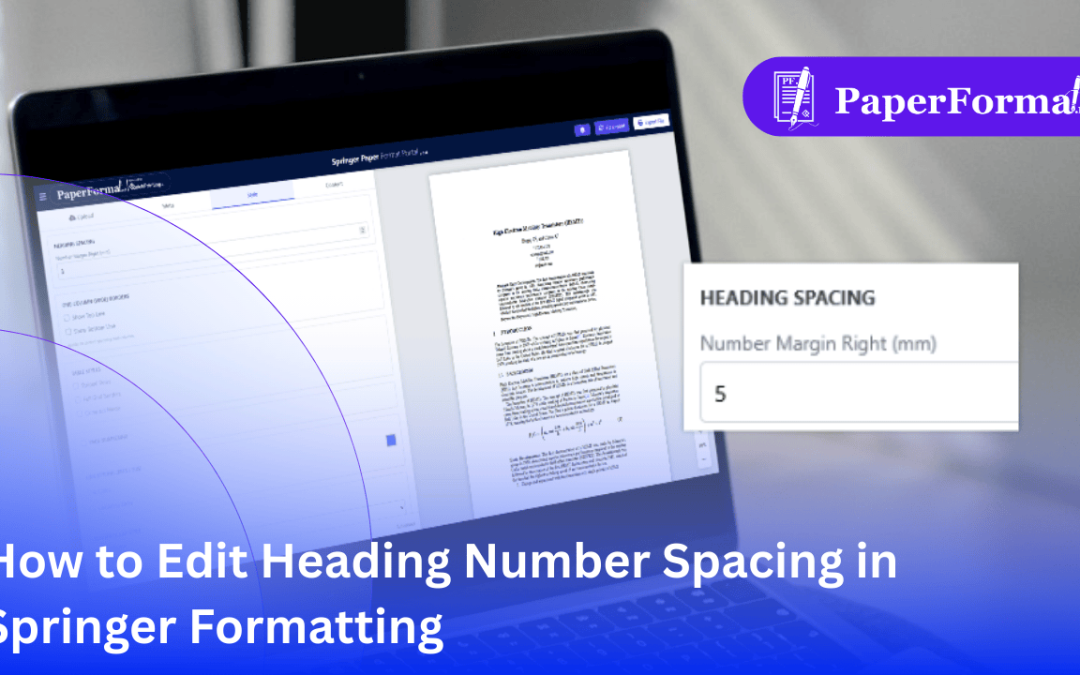
The “Crowded Number” Problem In Springer paper formatting (especially LNCS), a common visual issue occurs when the section number (e.g., “2.1”) sits too close to the section title (e.g., “Methodology”). This often happens if you...