
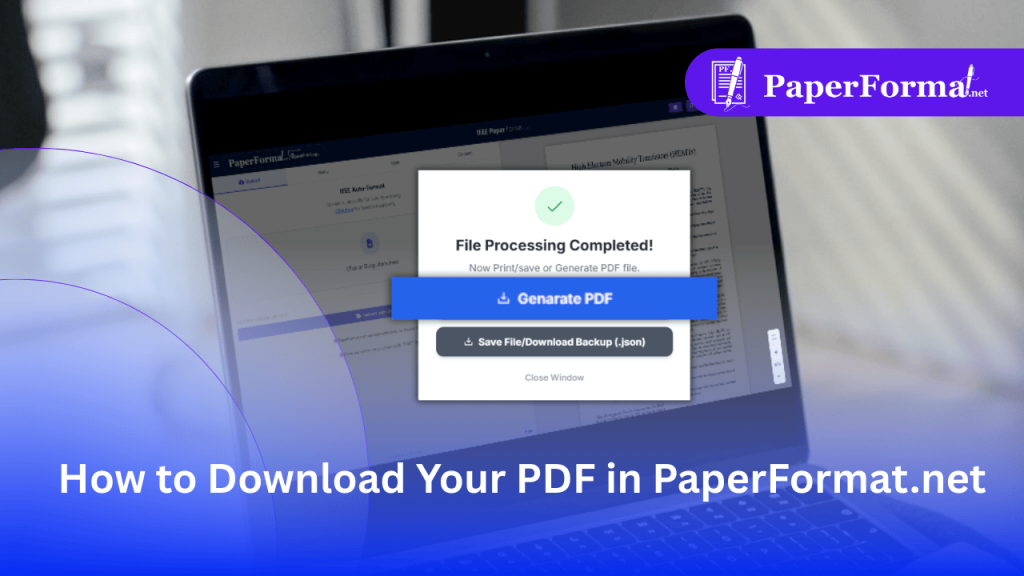
How to Download Your PDF in PaperFormat.net
The Final Step: Generating a Print-Ready PDF In IEEE paper formatting and Springer LNCS workflows, the final PDF must meet strict technical standards: PaperFormat.net handles all of this automatically. When you click “Generate PDF,” our engine compiles your workspace into a compliant file ready for upload to IEEE Xplore or SpringerLink. Step-by-Step: Downloading Your File […]
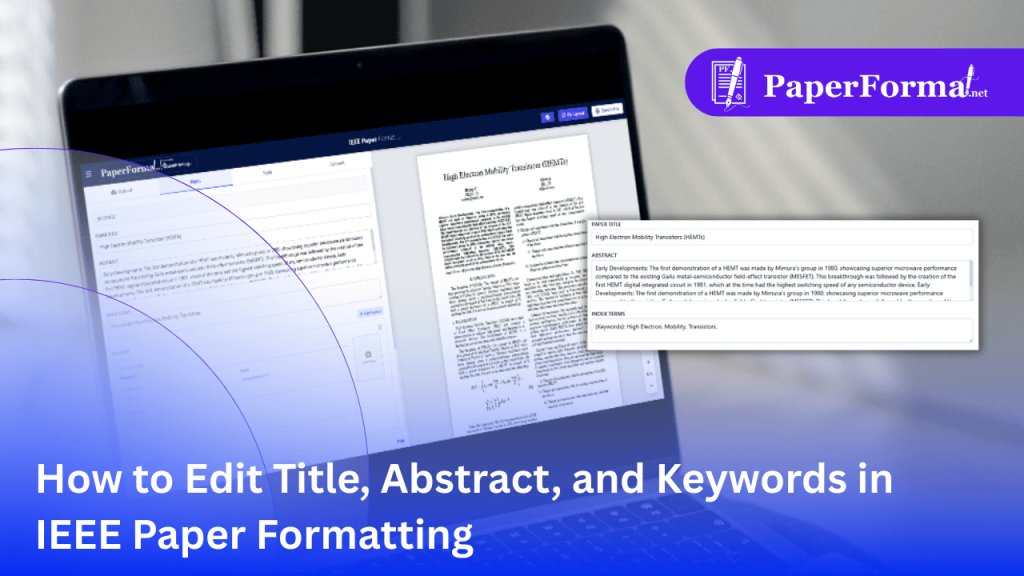
How to Edit Title, Abstract, and Keywords in IEEE Paper Formatting
The “Front Matter” Determines Your Paper’s Fate In IEEE paper formatting, the “Front Matter” (Title, Abstract, and Index Terms) is the most scrutinized part of your document. PaperFormat.net automates the styling. You simply input the raw text, and our system renders it into the standard two-column IEEE layout automatically. Step-by-Step: Editing Your Paper’s Front Matter […]
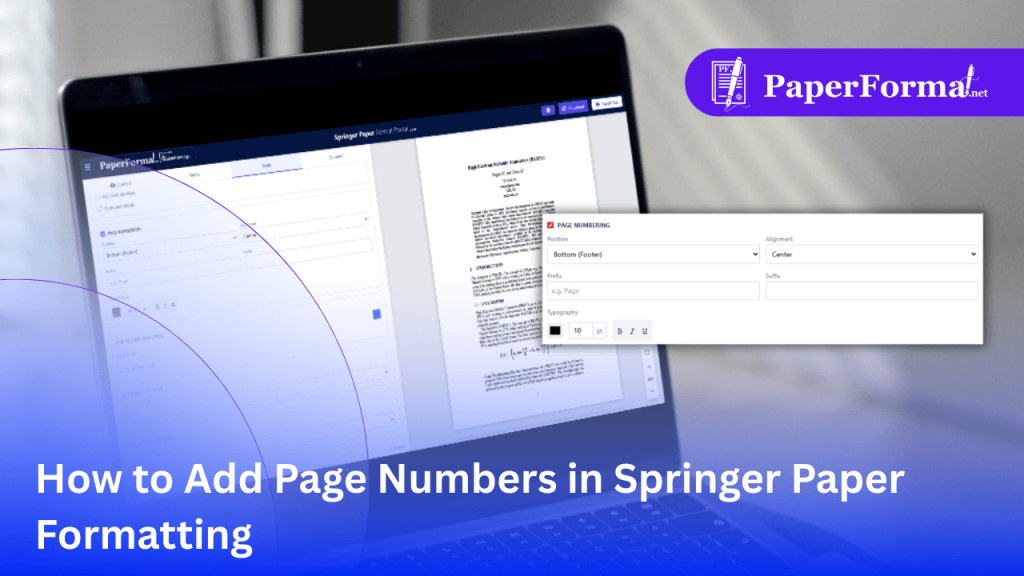
How to Add Page Numbers in Springer Paper Formatting
The Rule: To Number or Not to Number? In Springer paper formatting (specifically for Lecture Notes in Computer Science – LNCS), page numbering rules vary by stage: PaperFormat.net provides a simple toggle. You can turn page numbers ON for your review submission and OFF for your final export instantly, without affecting your document layout. Step-by-Step: […]
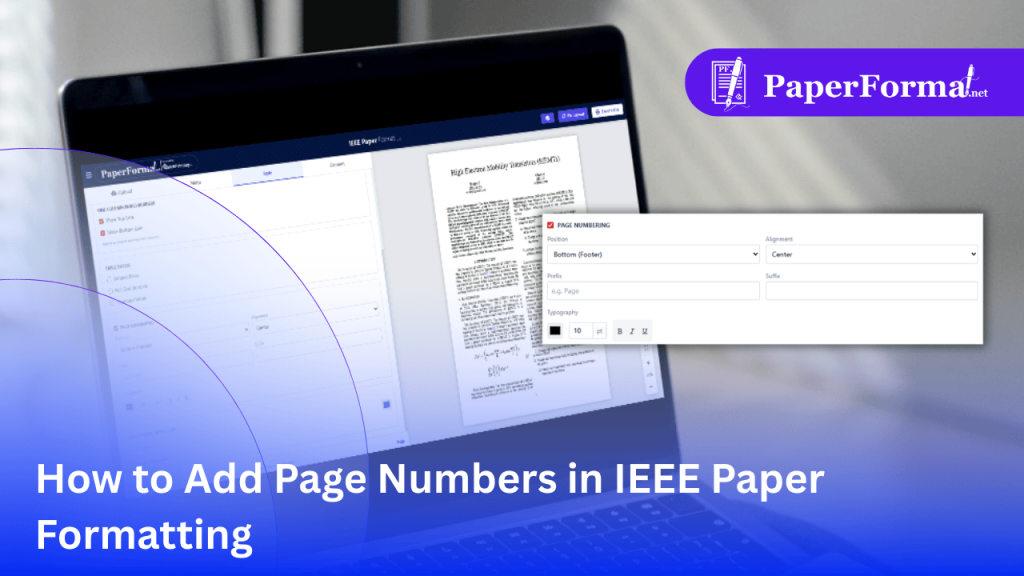
How to Add Page Numbers in IEEE Paper Formatting
The Rule: To Number or Not to Number? In IEEE paper formatting, page numbering is a common point of confusion. PaperFormat.net gives you a global toggle. You can turn page numbers ON for your review draft and OFF for your final export with a single click, without editing individual pages. Step-by-Step: Configuring Page Numbers Refer […]
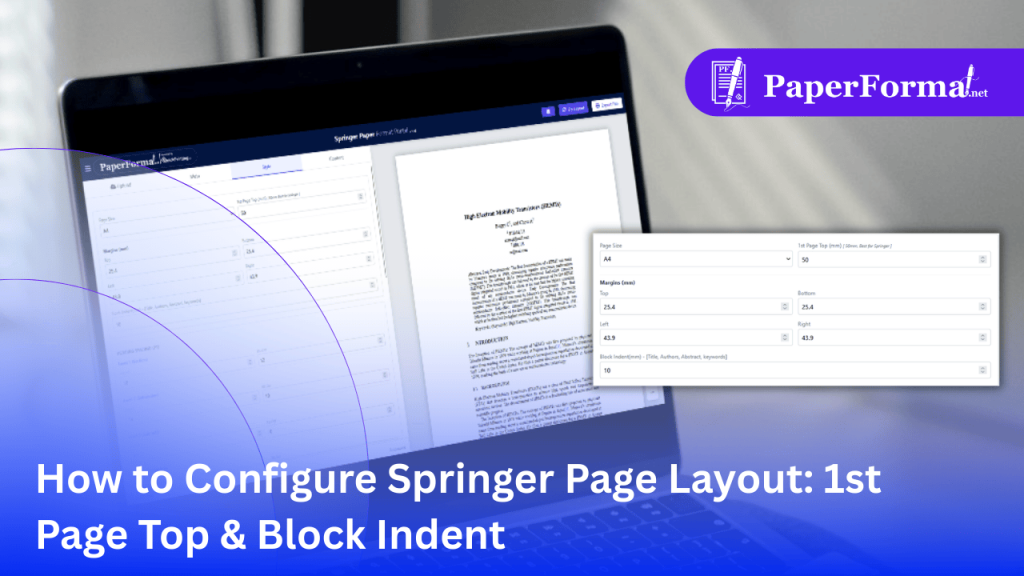
How to Configure Springer Page Layout: 1st Page Top & Block Indent
The Unique “Springer Look”: Why These Settings Matter In Springer paper formatting (especially for LNCS and CCIS proceedings), the layout is distinct from standard IEEE or ACM papers. PaperFormat.net provides specific controls for these quirks so you don’t have to fight with manual spacing in Word. Step-by-Step: Setting Up the Springer Layout Refer to the […]