
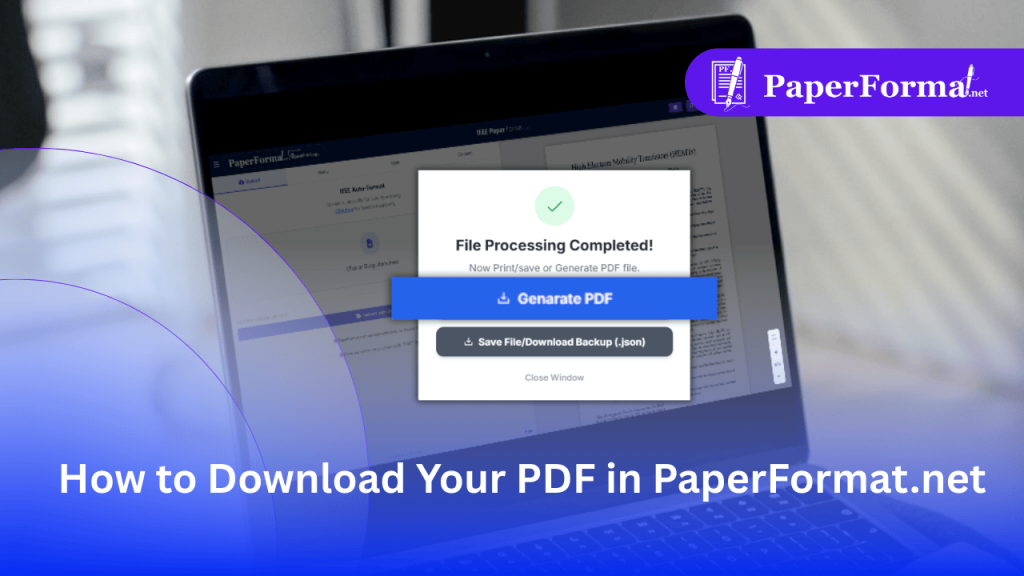
How to Download Your PDF in PaperFormat.net
The Final Step: Generating a Print-Ready PDF In IEEE paper formatting and Springer LNCS workflows, the final PDF must meet strict technical standards: PaperFormat.net handles all of this automatically. When you click “Generate PDF,” our engine compiles your workspace into a compliant file ready for upload to IEEE Xplore or SpringerLink. Step-by-Step: Downloading Your File […]
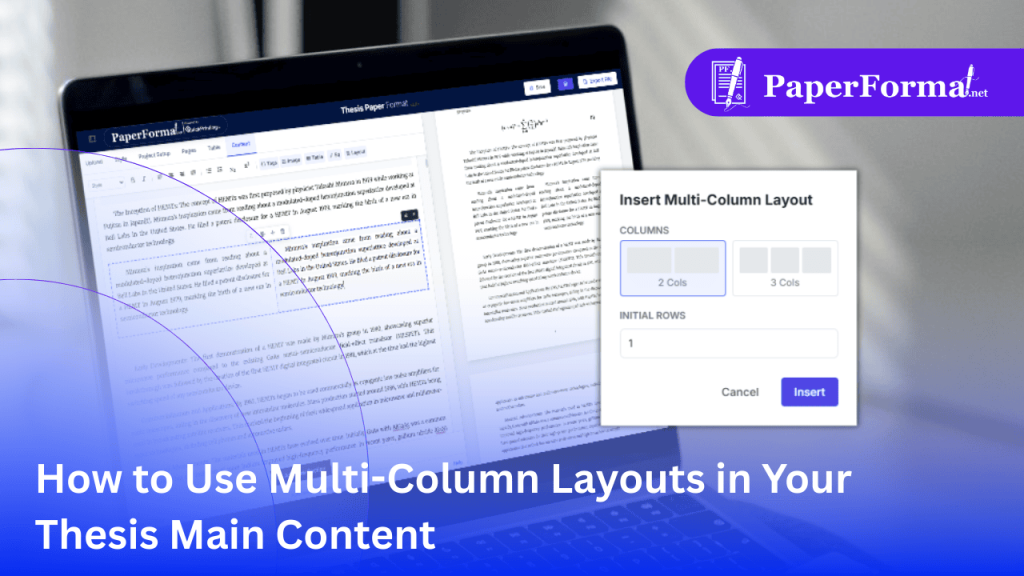
How to Use Multi-Column Layouts in Your Thesis Main Content
Why You Need Multi-Column Layouts in Institute Papers In college and institute paper formatting, standard single-column text is the default. However, many technical degrees (like Computer Science or Engineering) follow IEEE standards, which strictly require a Two-Column Format. Even in standard theses, you often need to place two images side-by-side or compare two datasets (e.g., […]
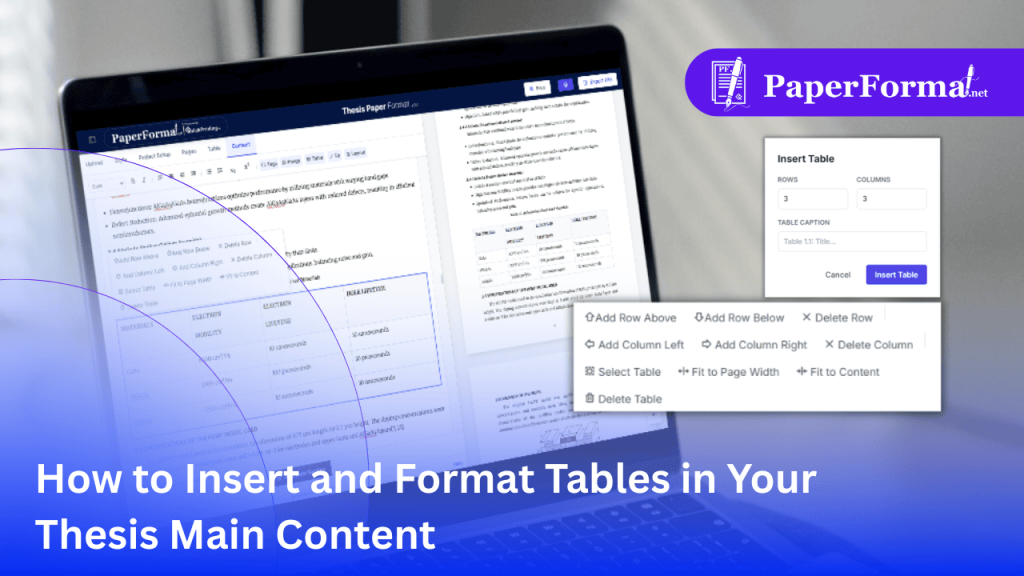
How to Insert and Format Tables in Your Thesis Main Content
The Struggle with Tables in Institute Papers In college and institute paper formatting, tables are notorious for “breaking” document layouts. In standard word processors, a large table often pushes text off the page, breaks margins, or confuses the numbering sequence (e.g., skipping from Table 1.2 to Table 1.4). PaperFormat.net treats tables as “Smart Objects.” When […]
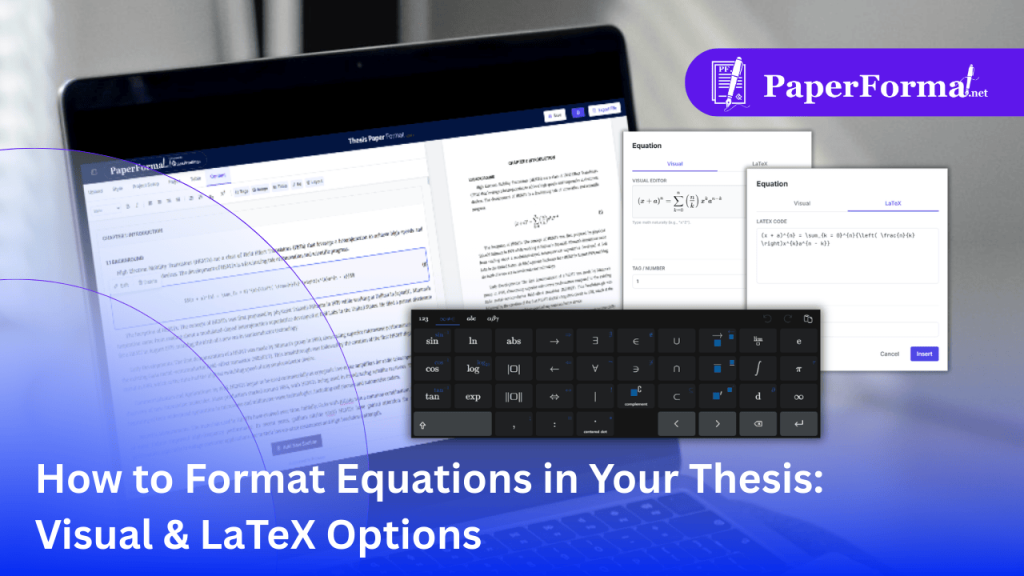
How to Format Equations in Your Thesis: Visual & LaTeX Options
The Challenge of Math in Institute Papers In college and institute paper formatting, especially for Engineering, Physics, and Mathematics degrees, equations are the core of the document. Standard word processors often mangle complex formulas, and keeping track of equation numbering (e.g., “(1)”, “(2.1)”) is a manual headache. PaperFormat.net offers a “Hybrid Engine.” You can type […]
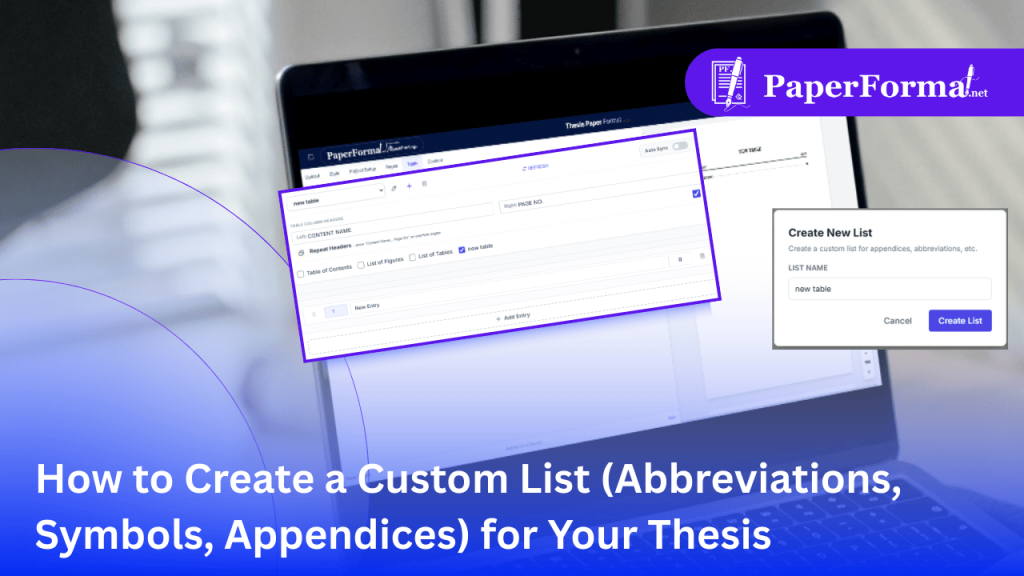
How to Create a Custom List (Abbreviations, Symbols, Appendices) for Your Thesis
Beyond the Standard Indices: Abbreviations & Symbols Standard college and institute paper formatting templates include a TOC, List of Figures, and List of Tables. But what if your thesis requires a “List of Abbreviations”, “Nomenclature”, or “List of Symbols”? Doing this in Word is painful. You have to manually create a table, hide the borders, […]