
Writing a thesis is hard; formatting it shouldn't be. Most students write their college papers and institute project reports in Microsoft Word (DOCX). However, Word often struggles with the strict thesis formatting rules required by universities—margins shift, images jump to new pages, and section breaks create blank spaces.
The PaperFormat.net Thesis Portal solves this. Our DOCX Import Tool allows you to upload your existing Word document directly into our system. We don't just open the file; we parse it, clean it, and prepare it for professional academic formatting.
Step-by-Step: Uploading Your File for Thesis Formatting
Follow these steps to migrate your work from a messy Word doc to a professionally structured college paper.
Step 1: Prepare Your Document
Before uploading to the formatting portal, ensure your file is ready:
- File Type: Ensure your file ends in
.docx. (Old.docfiles should be saved as.docxfirst). - Clean Up: While our system is smart, removing "Text Boxes" or "WordArt" ensures a smoother transition for strict institute paper formatting.
Step 2: Initialize Your Project
- Go to PaperFormat.net.
- Click "Upload" tab.
Step 3: The Import Process
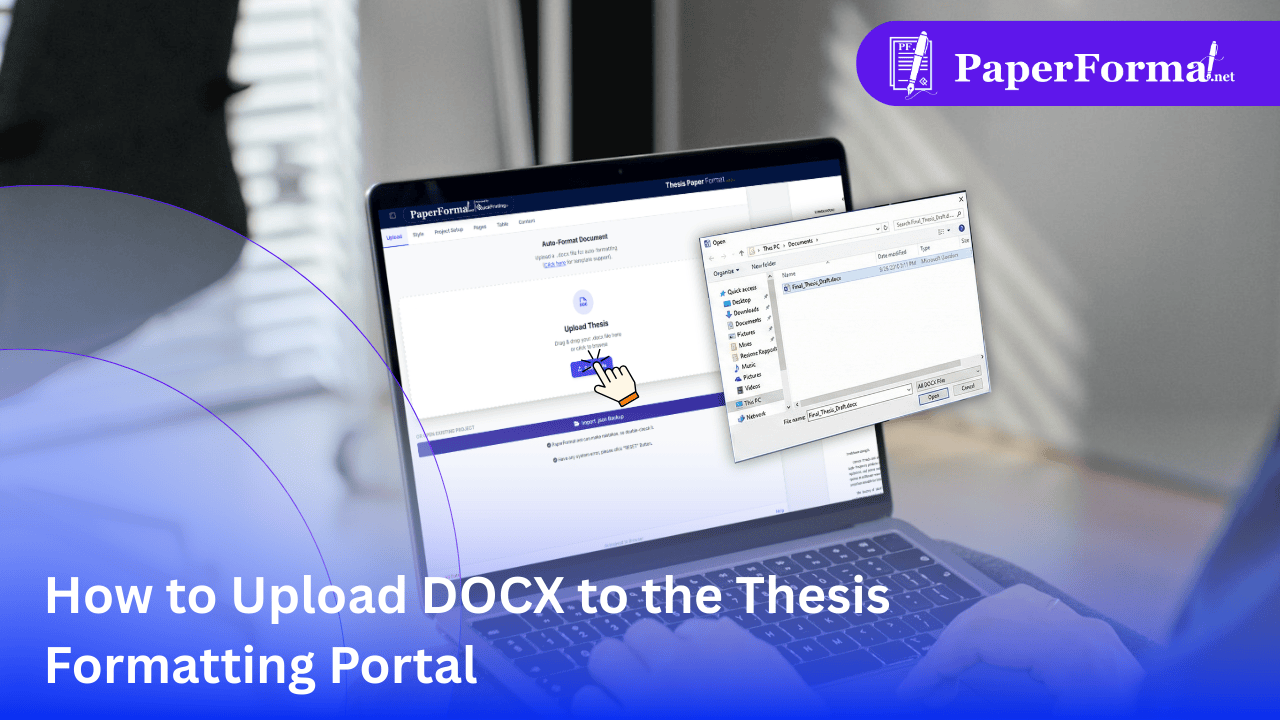
- Select "Upload DOCX" from the dropdown menu.
- Browse your computer and select your thesis or project paper draft.
Step 4: Automatic Parsing & Formatting
- Once selected, our engine analyzes your DOCX file.
- What happens next?
- Text Extraction: We pull your text and automatically apply the Standard Font (e.g., Times New Roman, 12pt) required by your college.
- Heading Detection: We identify your bold titles and convert them into Heading 1, 2, and 3 tags for the Table of Contents.
- Image Placement: Embedded images are extracted and placed inline, ready for caption styling.
Step 5: Review and Save
- Your content will appear in the web editor.
- Review the layout to ensure it meets your institute's paper formatting guidelines.
- Click "File > Save Project" immediately to secure your new formatted draft.
Why Upload to a Formatting Portal Instead of Using Word?
Why should you switch from Word to PaperFormat.net for your final year project?
- Standardization: When you upload a DOCX, our portal strips away inconsistent fonts (like that one paragraph in Calibri) and forces the entire document to adhere to thesis formatting standards.
- Margin Integrity: College paper formatting often requires specific margins (e.g., 1.5-inch left margin for binding). Our portal applies these global settings to your uploaded text instantly.
- Clean Code: Microsoft Word adds hidden "junk code" that bloats files. Our upload tool cleans this, ensuring your final PDF export is lightweight and error-free.